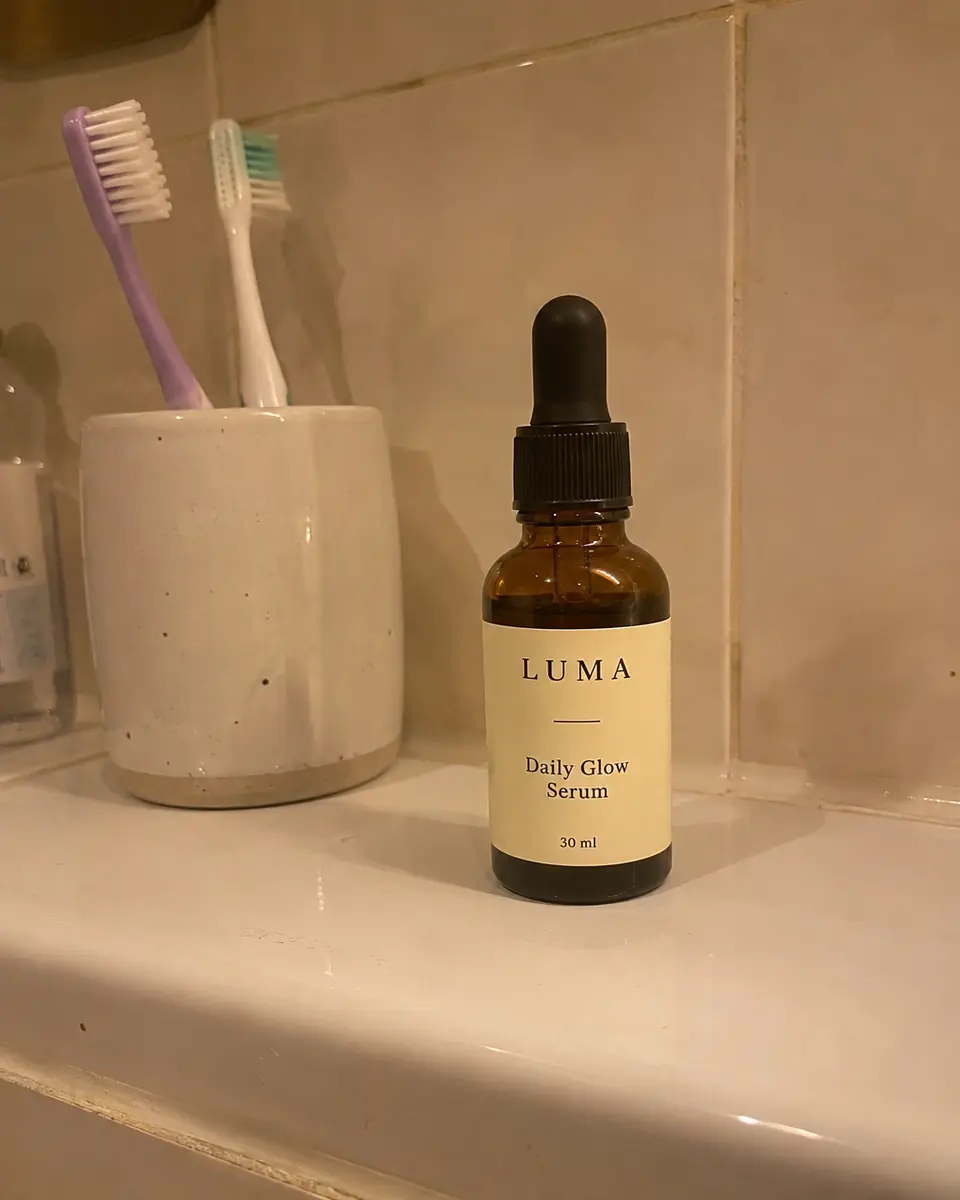
4 phone photos. 40 shots.
Real sets, straight out of Prodscene on Auto. Nothing retouched, nothing picked out: every shot from each batch is here.
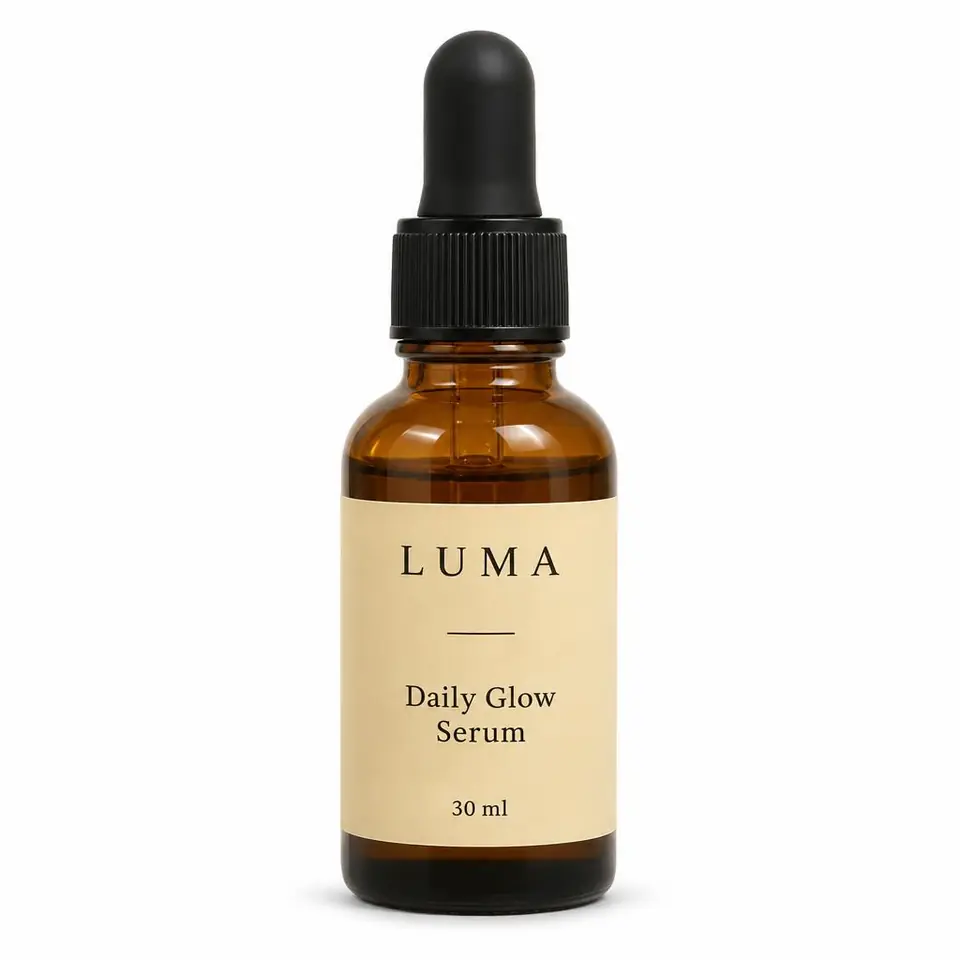
01Clean White 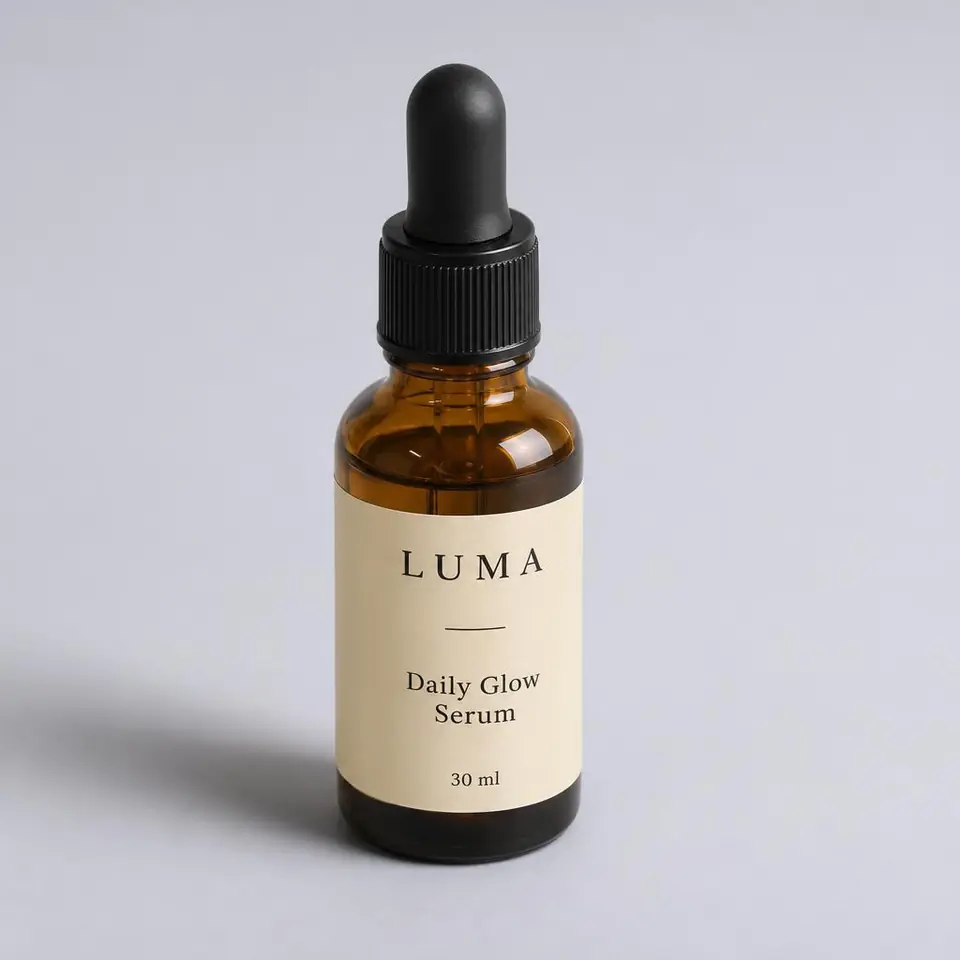
02Soft Studio 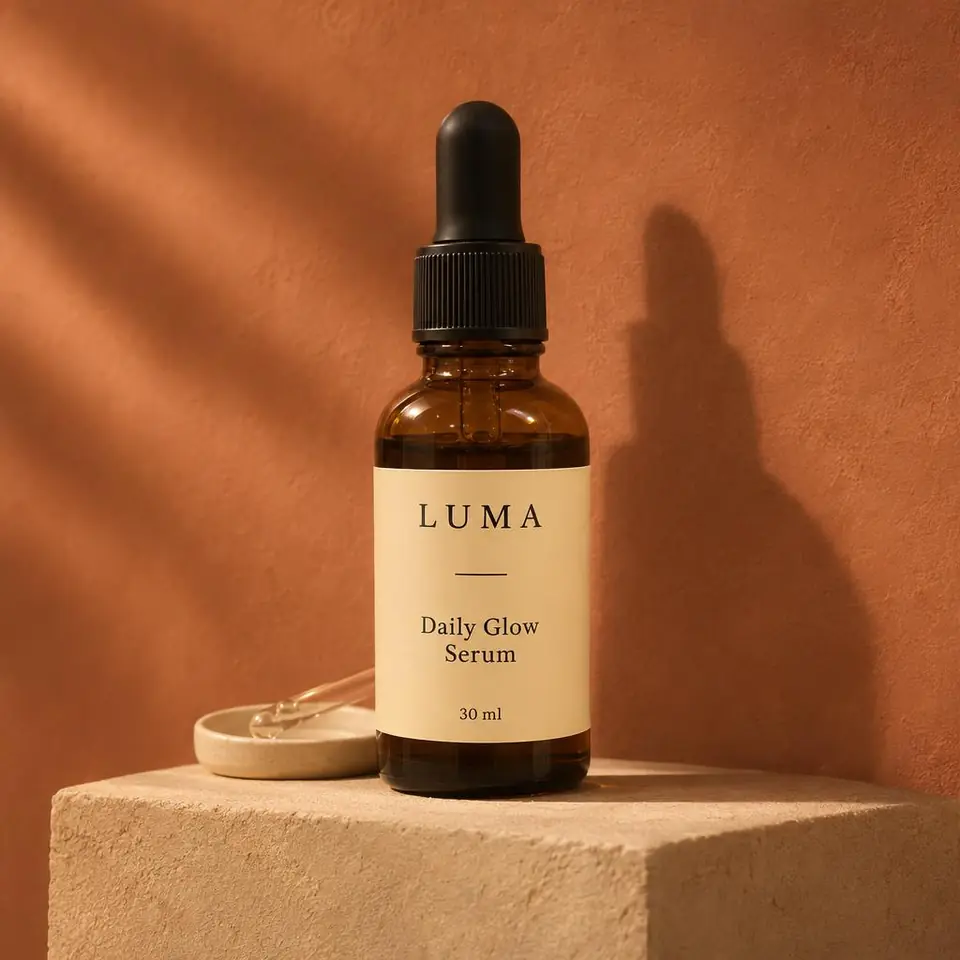
03Warm Minimal 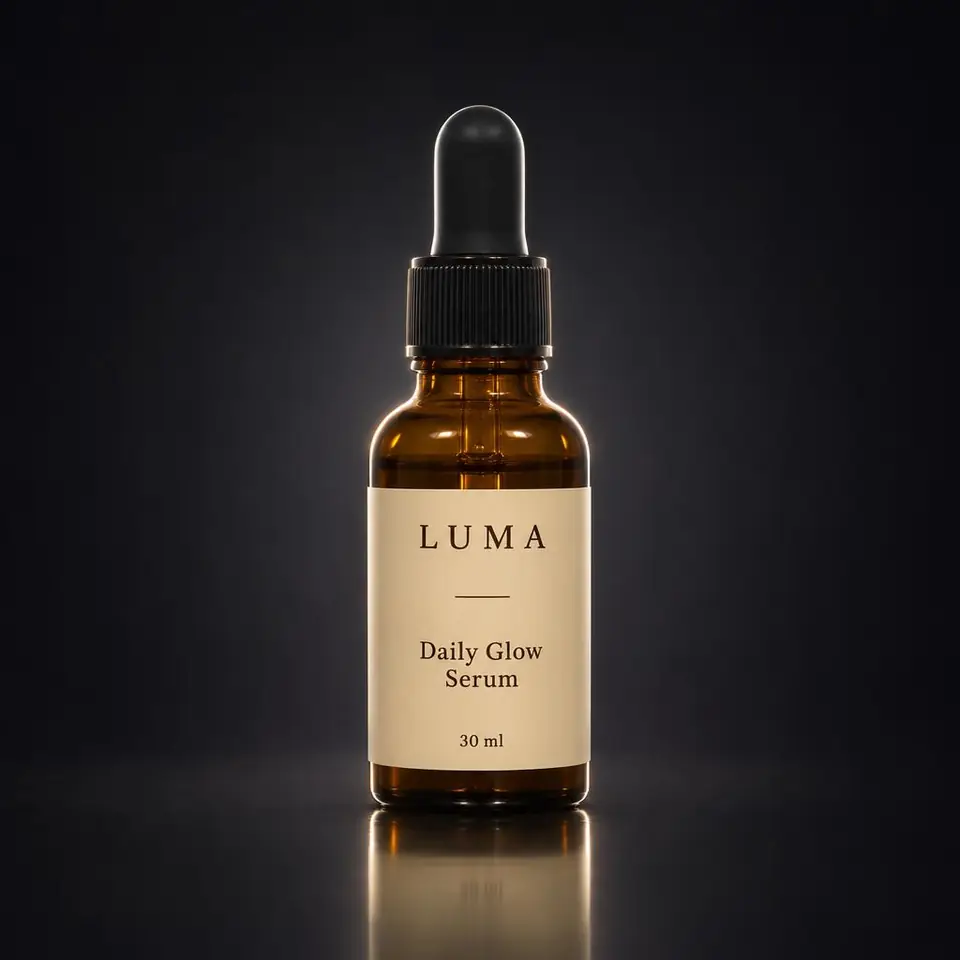
04Premium Dark 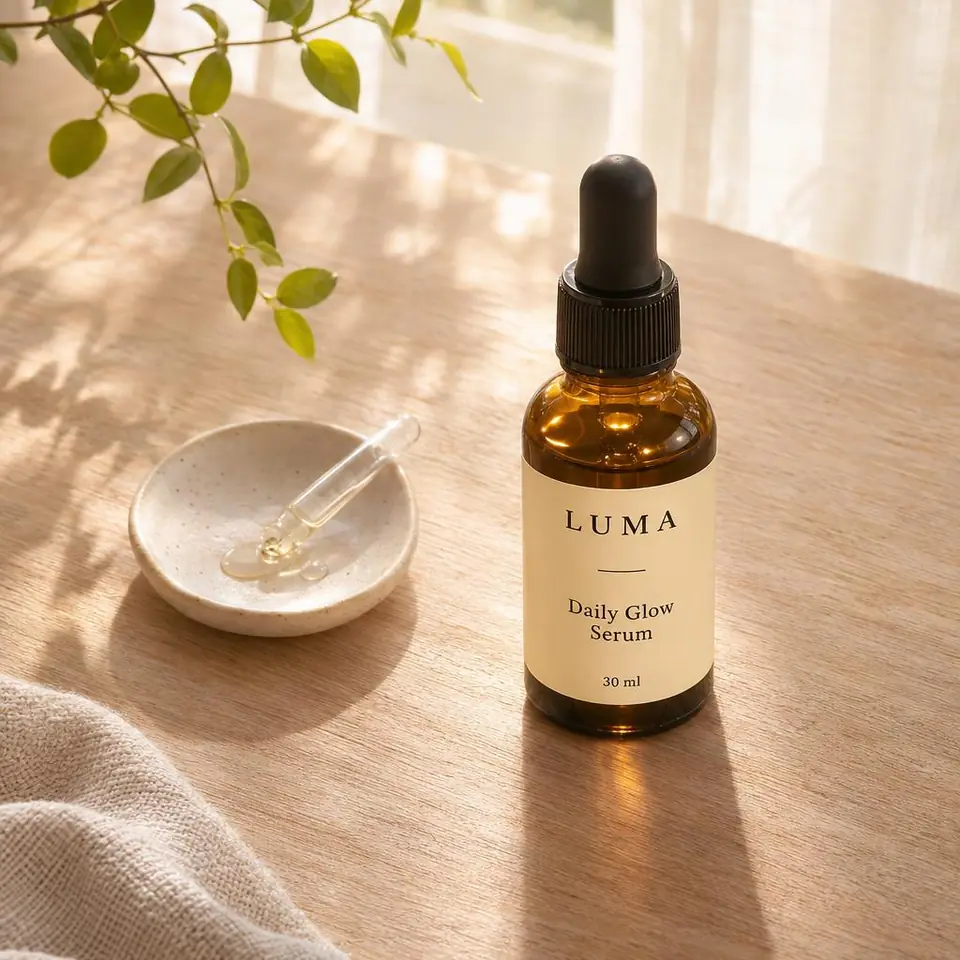
05Natural Surface 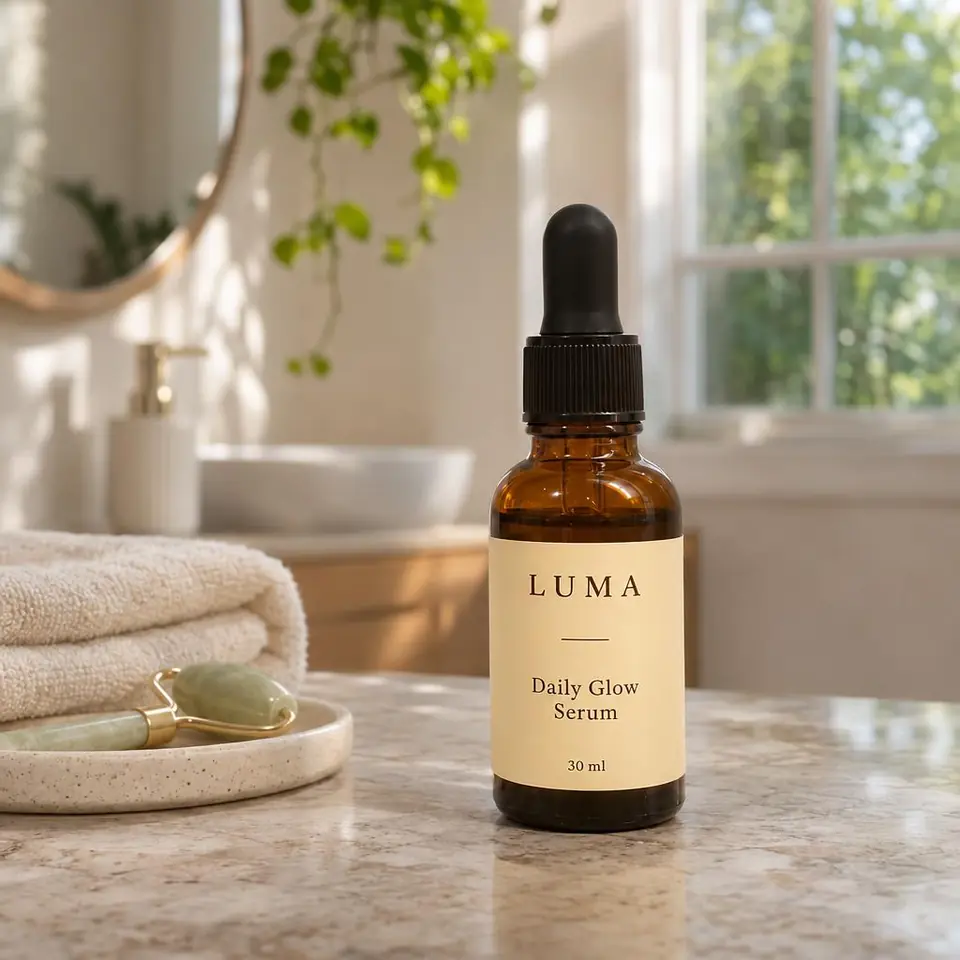
06Lifestyle Scene 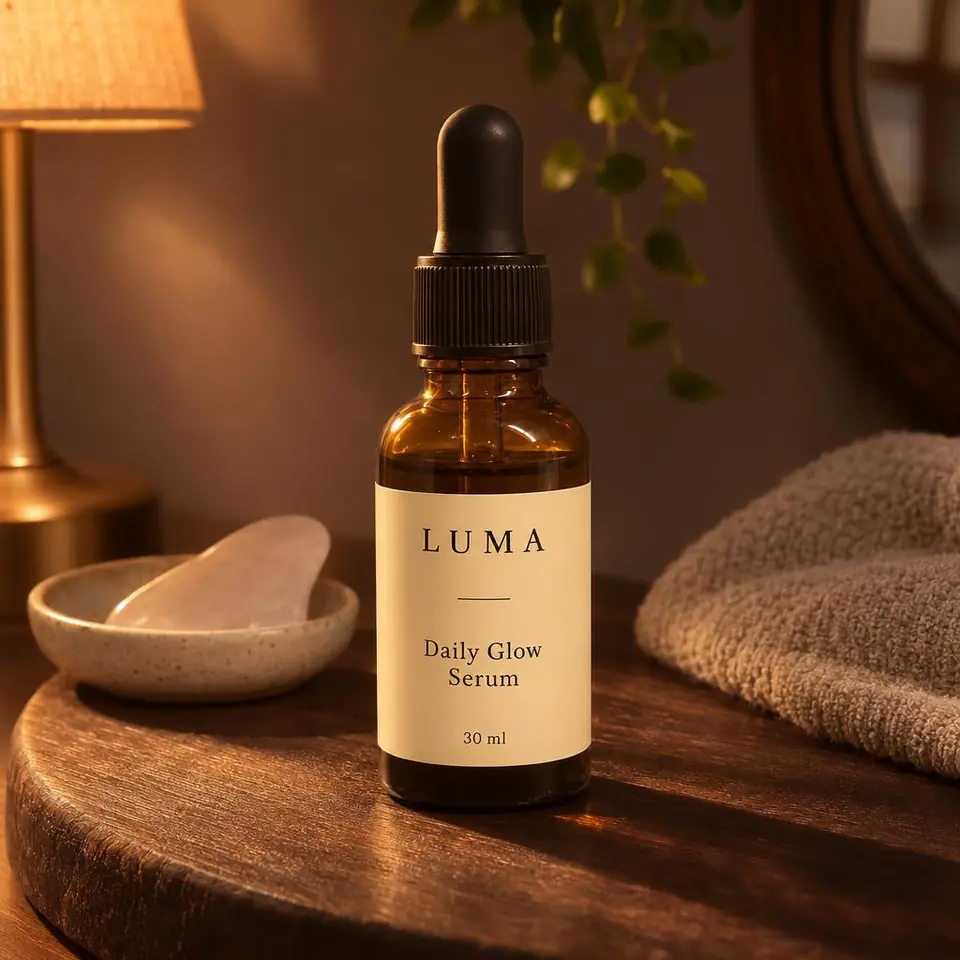
07Lifestyle Alternate 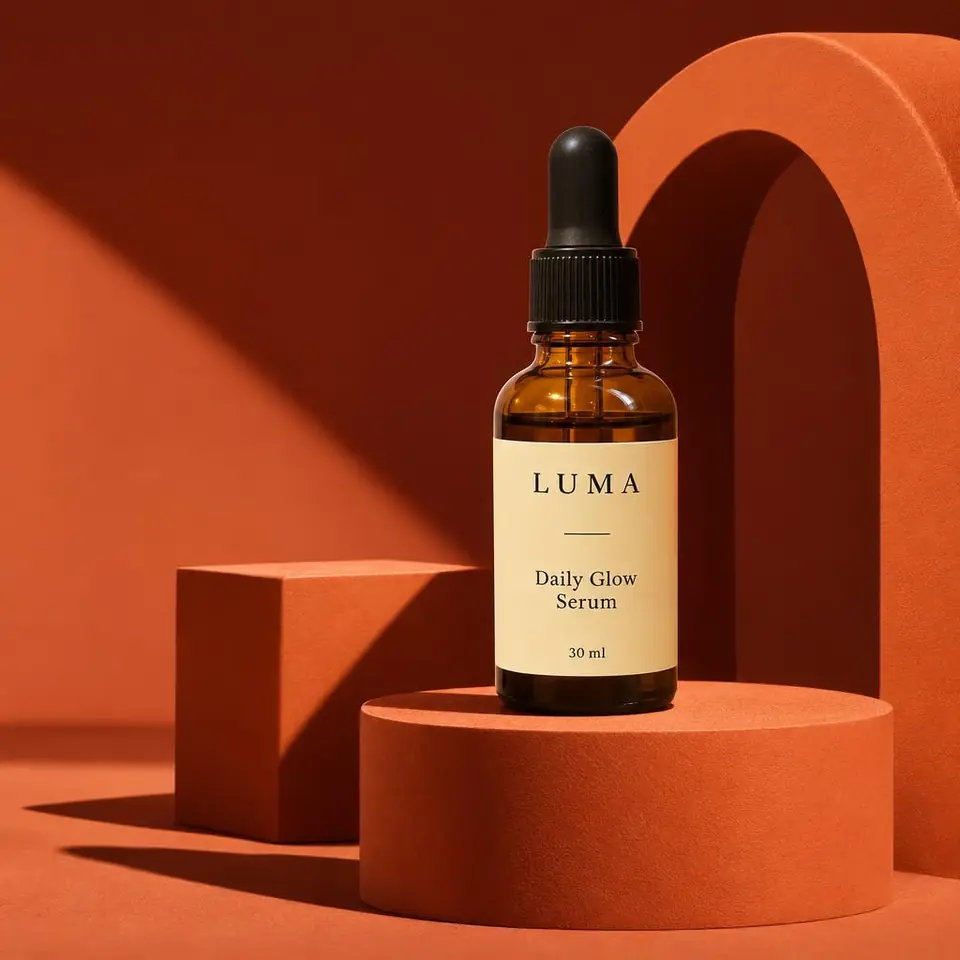
08Editorial 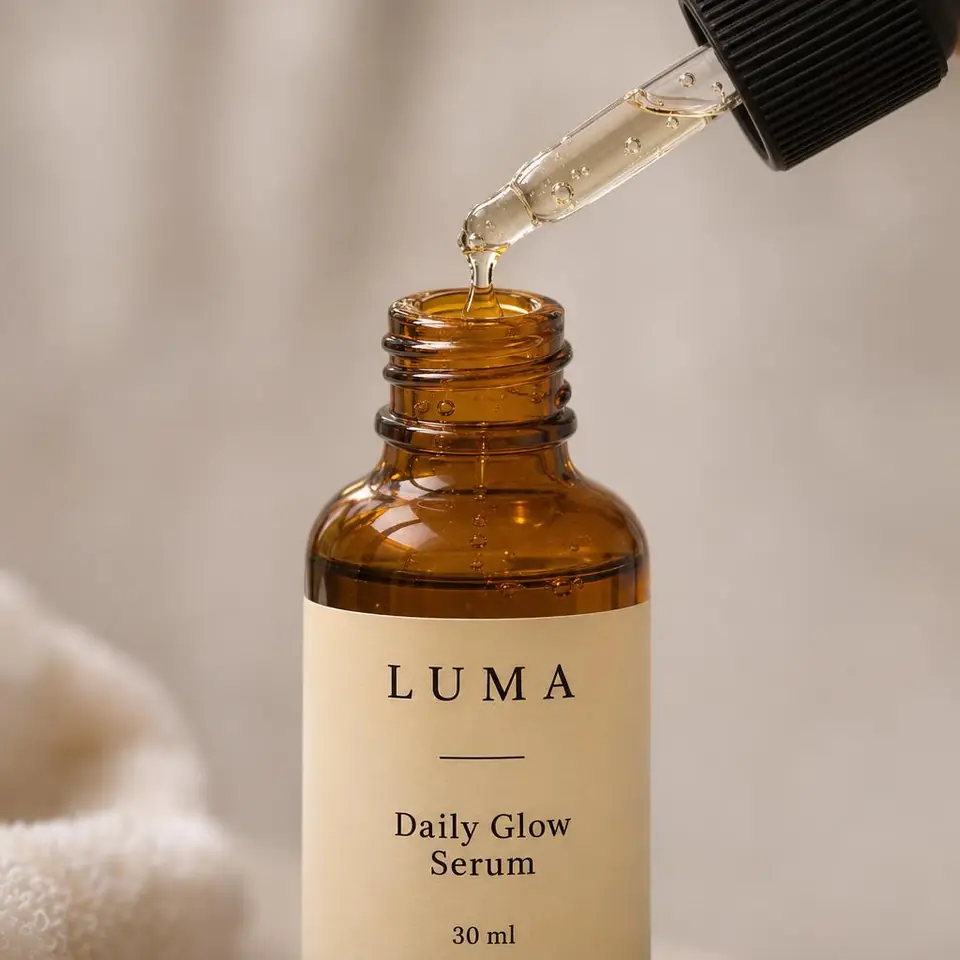
09Detail Composition 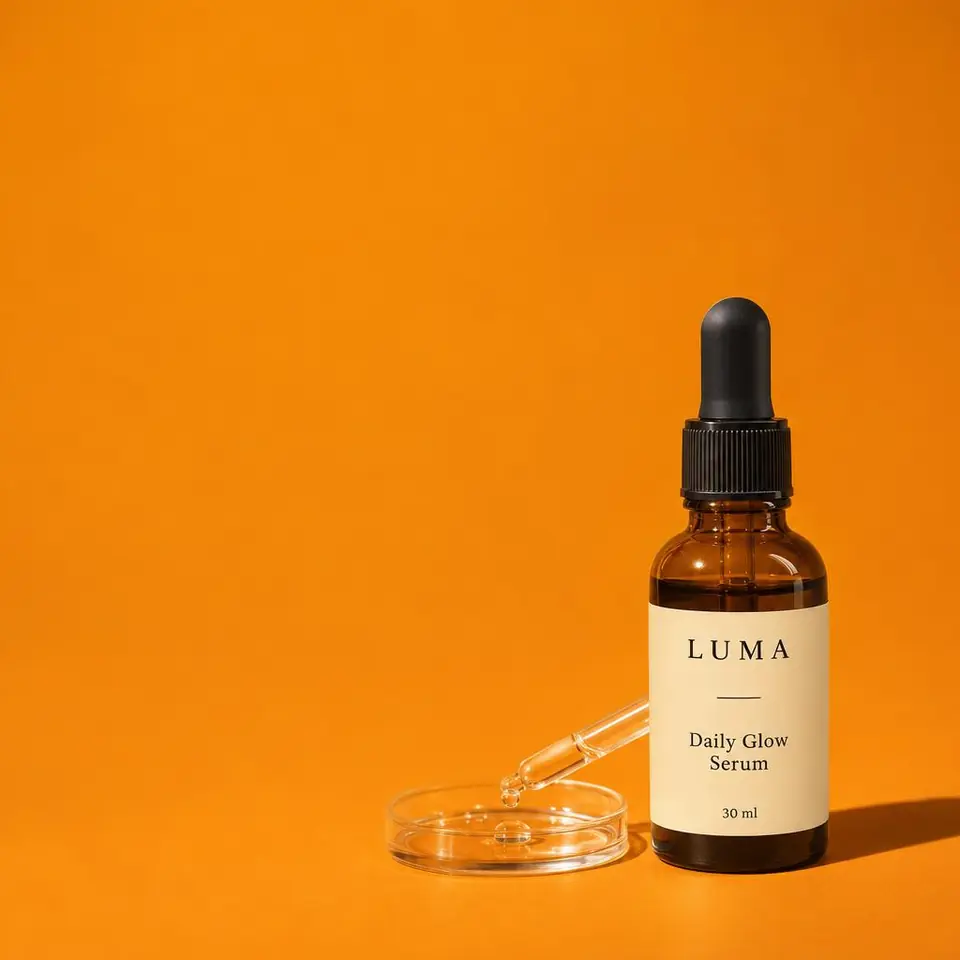
10Social Ad
Drop off. Develop. Pick up.
- 1Drop offSnap your product on any table with your phone and upload it. One photo is enough.
- 2DevelopPick a style or leave it on Auto. Ten scenes are built around your exact product, one by one.
- 3Pick upShots appear as they finish. Download the ones you like, or the whole set as a ZIP.
Your product stays your product.
Customers buy what they see. So the scene changes around your product, and the product itself is kept as it is in your photo. No redesigned labels, no invented sides, no swapped items.
UntouchedKept exactly
- Colours
- Logo and labels
- Shape and proportions
- Materials
- Packaging details
Changed for you
- Background
- Surroundings and props
- Lighting
- Shadows
- Composition
What's in every set of ten.
One batch on Auto covers the shots a listing needs, from the white main image to a ready ad. Scenes that don't suit your product are swapped for ones that do.
- 01Clean WhitePure white background, catalogue-ready.
- 02Soft StudioBright studio, gentle natural shadows.
- 03Warm MinimalBeige backdrop, warm light.
- 04Premium DarkDark, elegant studio.
- 05Natural SurfaceOn a good-looking real surface.
- 06Lifestyle SceneIn a setting that fits its use.
- 07Lifestyle AlternateA second natural arrangement.
- 08EditorialMagazine-style composition.
- 09Detail CompositionClose-up on details you can actually see.
- 10Social AdAd layout with room for your text.
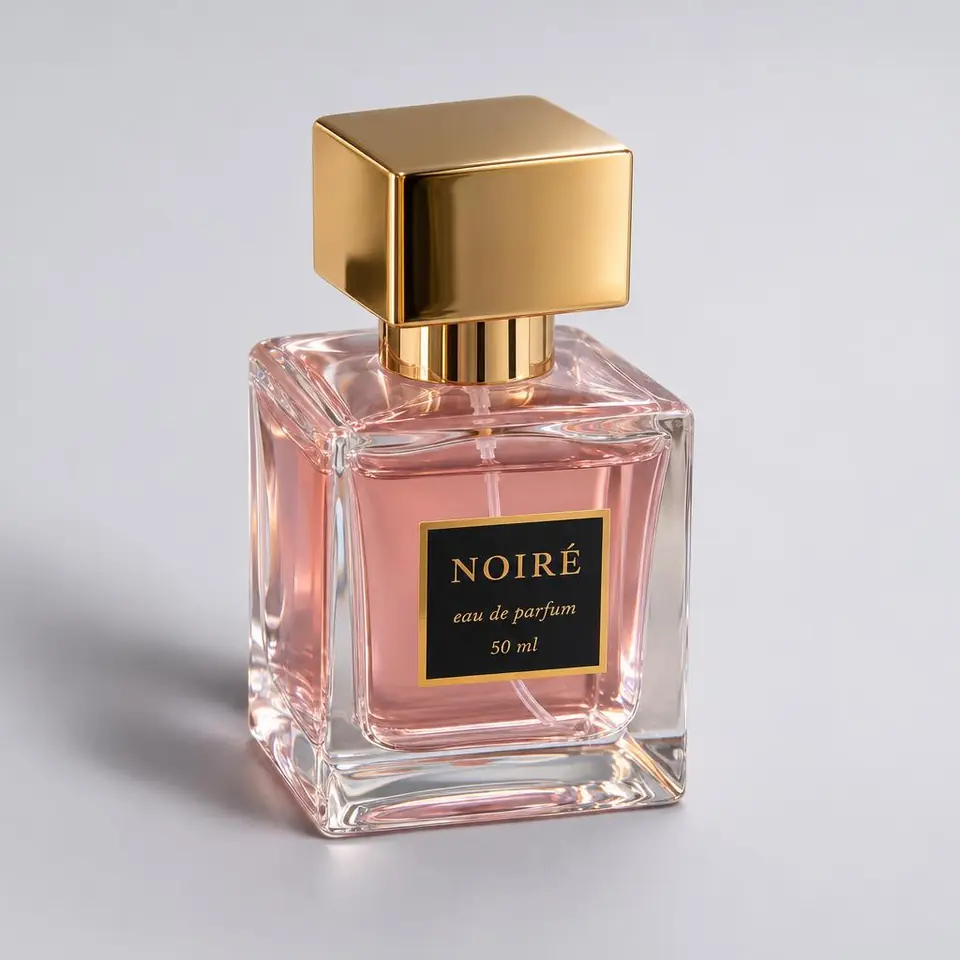
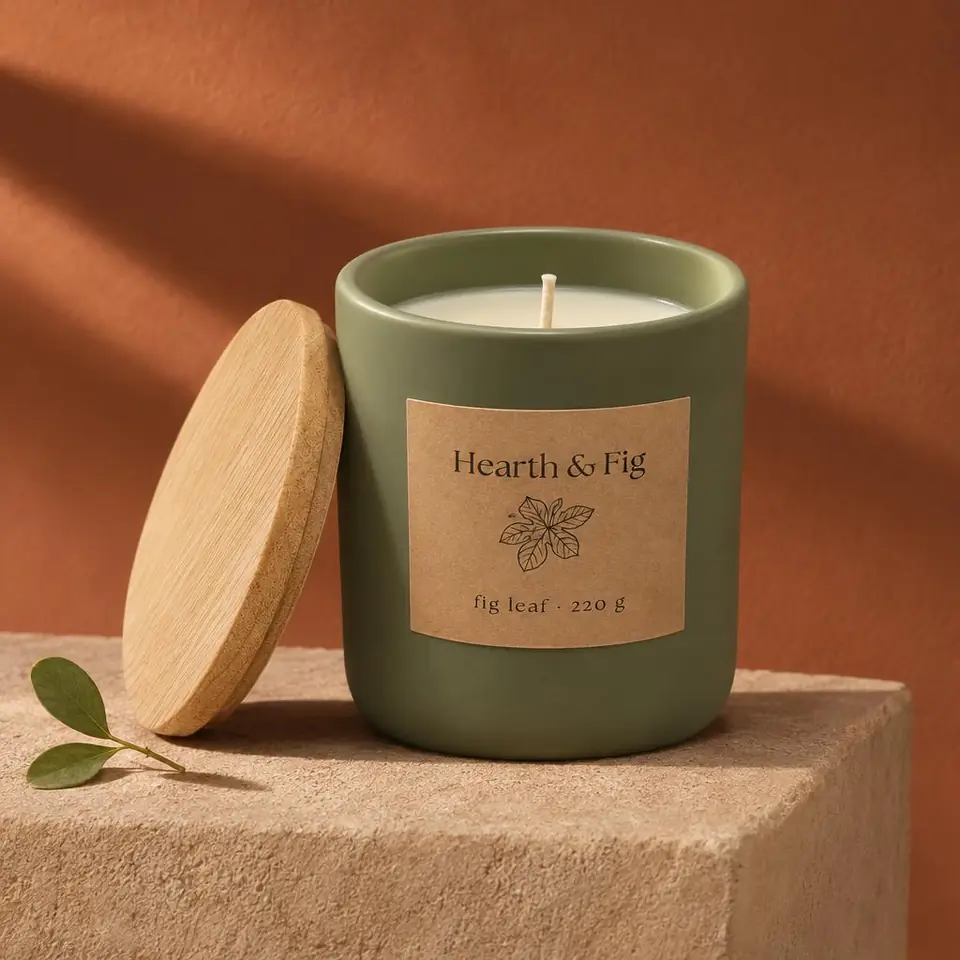
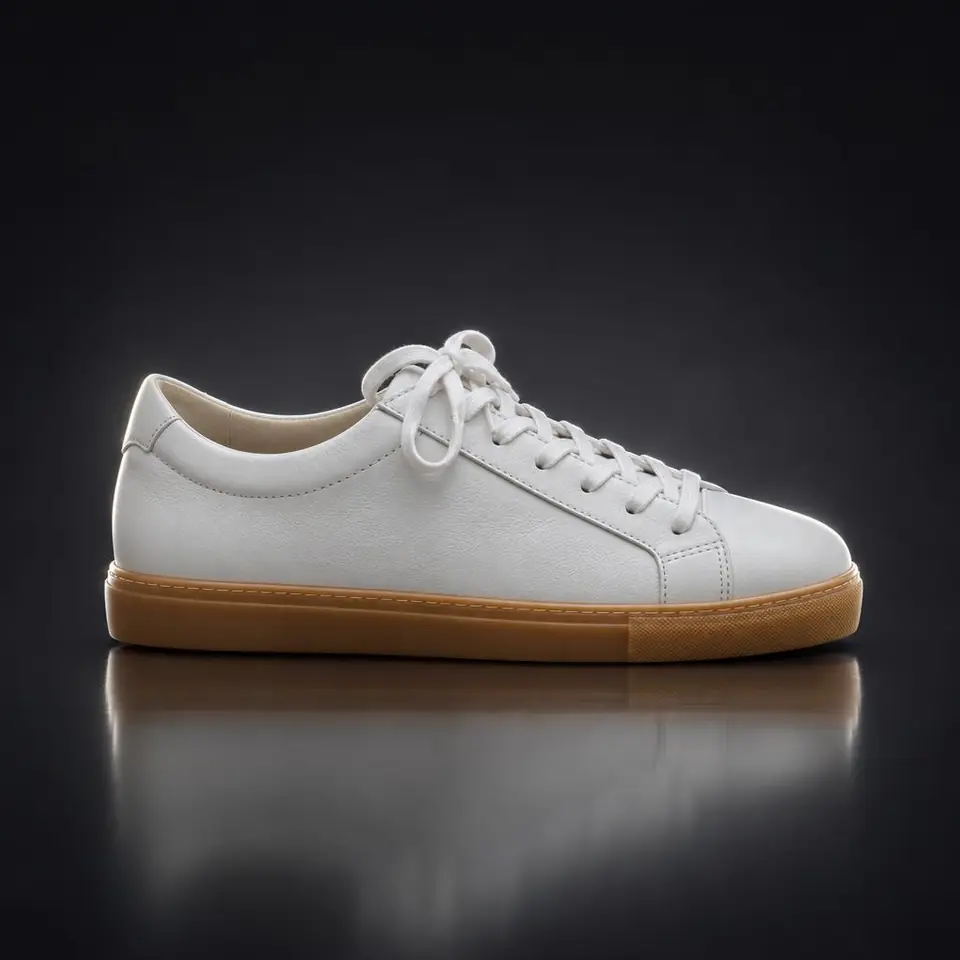

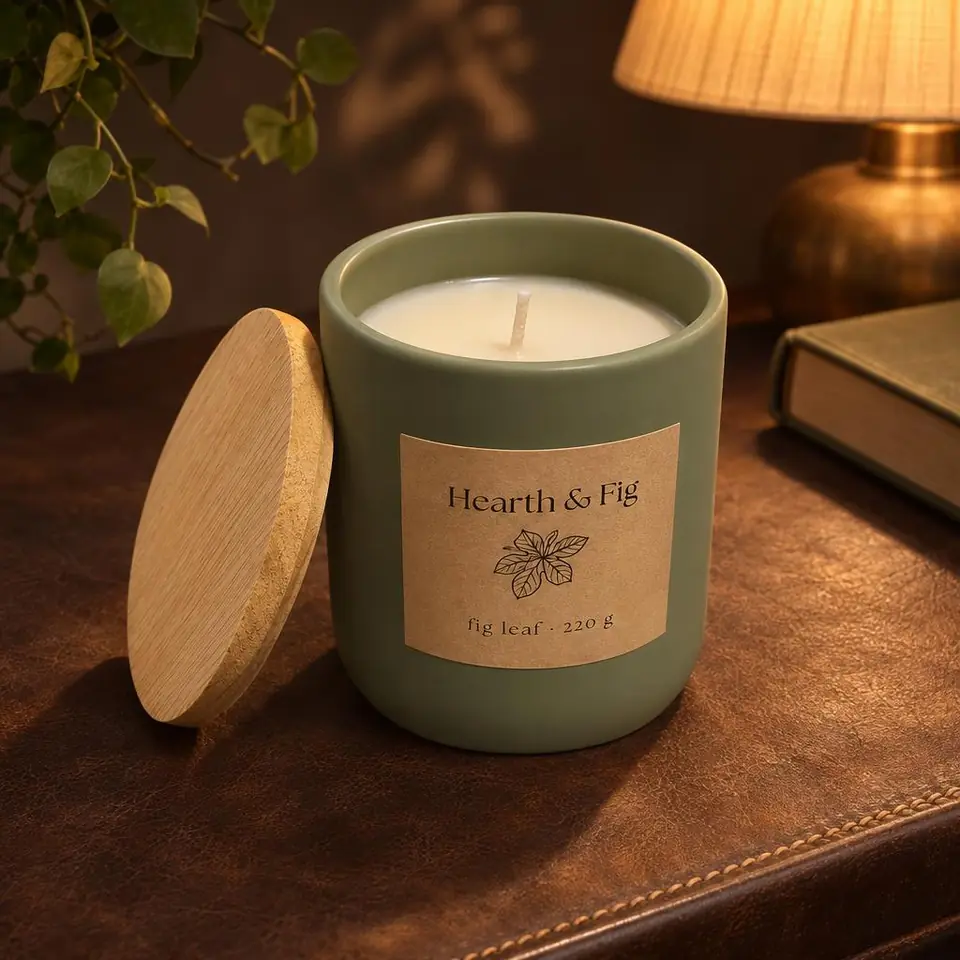
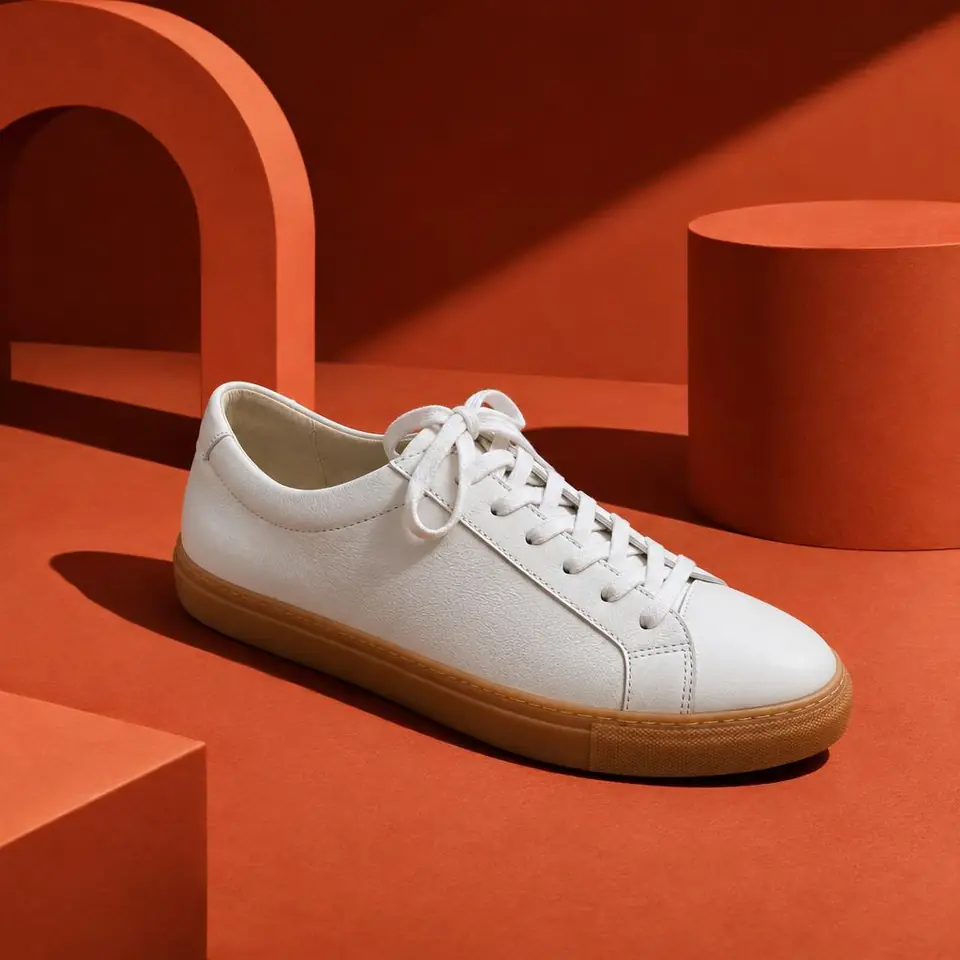
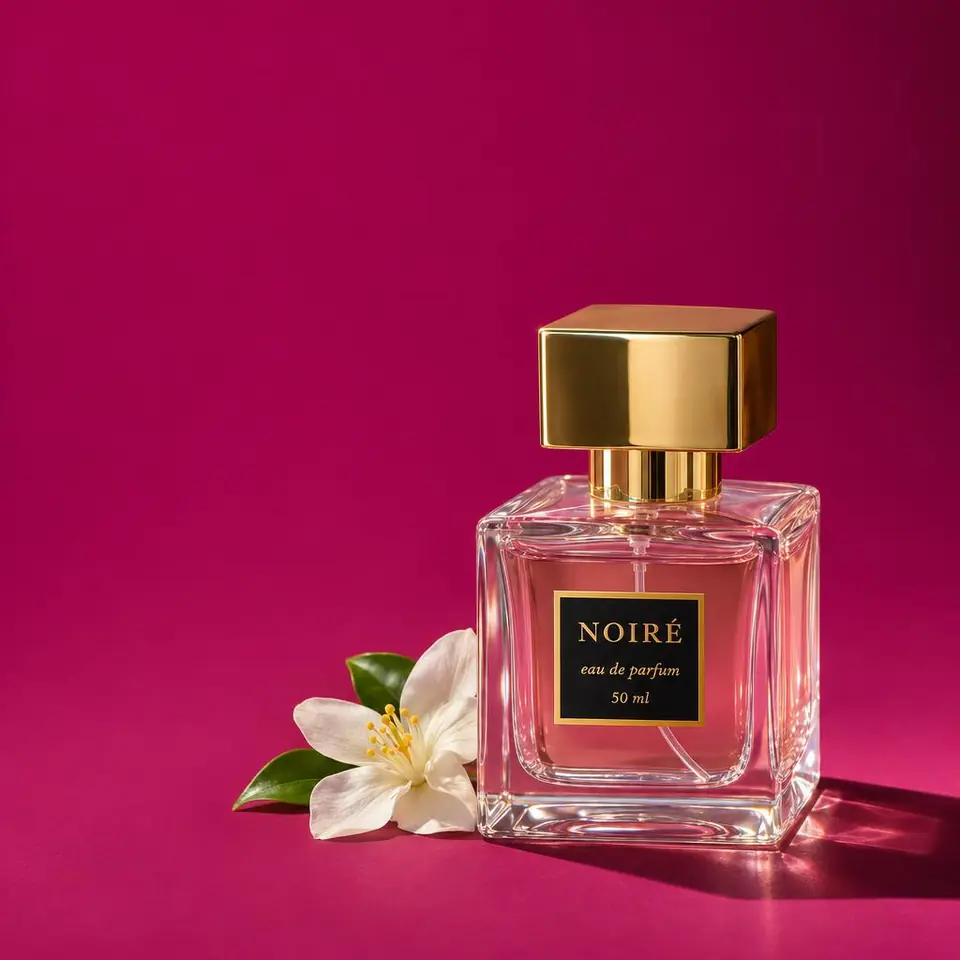
See all ten. Pay for the ones you keep.
- Start with two free sets of watermarked proofs of your product.
- Keep a shot for 1 credit. It arrives in full quality, without the watermark.
- Credits never expire. Buy a pack once, or take a monthly plan and cancel anytime.
- Starter10 credits · $0.69 per photo$6.90
- Growth50 credits · $0.38 per photo$19
- Business150 credits · $0.26 per photo$39
Prices in USD. Paid securely through Stripe.
Questions at the counter.
Do I need to know anything about AI or prompts?
No. Upload a photo, keep the style on Auto, press Generate. Prodscene writes every instruction for you.
Will it change my product?
It shouldn't. Every shot is built to keep your product's colours, logo, labels, shape and materials as they are, and only change the background, light, shadows and composition. Very fine print, transparent packaging and clothing worn by people are harder, so check those shots closely.
What kind of photo should I upload?
One clear phone photo of the product, in focus, with the whole product in frame. A plain desk or table is fine. JPG, PNG or WebP, up to 10 MB.
What works best?
Cosmetics and perfume, candles and decor, packaged goods, accessories, shoes and small everyday objects.
What happens if a shot fails?
Proofs that fail cost nothing. When you develop in full quality straight away, the credit for any shot that failed goes back to your balance. One credit is one successful photo.
Do I pay before I see the photos?
No. Every new account gets 2 free proof sets of 2 shots each, watermarked. You pay 1 credit only for each shot you keep, and that one comes in full quality without the watermark.
Is this a subscription?
Only if you want one. Buy a pack of credits once, or take a monthly plan and cancel anytime. Credits never expire either way.
Can I use the photos commercially?
Yes. The shots you keep are yours to use in your shop, on marketplaces like Amazon, Etsy, eBay and Allegro, in ads and on social media. You need the right to use the product photo you upload.
What size and format are the photos?
Each shot is a high-quality JPG, either square (1024 × 1024, 1:1) or portrait (1024 × 1280, 4:5). Square suits most marketplaces; portrait suits Instagram and Facebook feeds.
How long do you keep my photos?
30 days. You can delete any photo or whole batch yourself before then.
My iPhone photo won't upload.
iPhones often save photos as HEIC, which isn't supported yet. Share the photo as JPG, or set Settings → Camera → Formats → Most Compatible.
Your next listing photo is already on your desk.
Take one photo now. Get ten you can put in your shop today.