Four steps, about two minutes.
- 1
Take one photo of your product
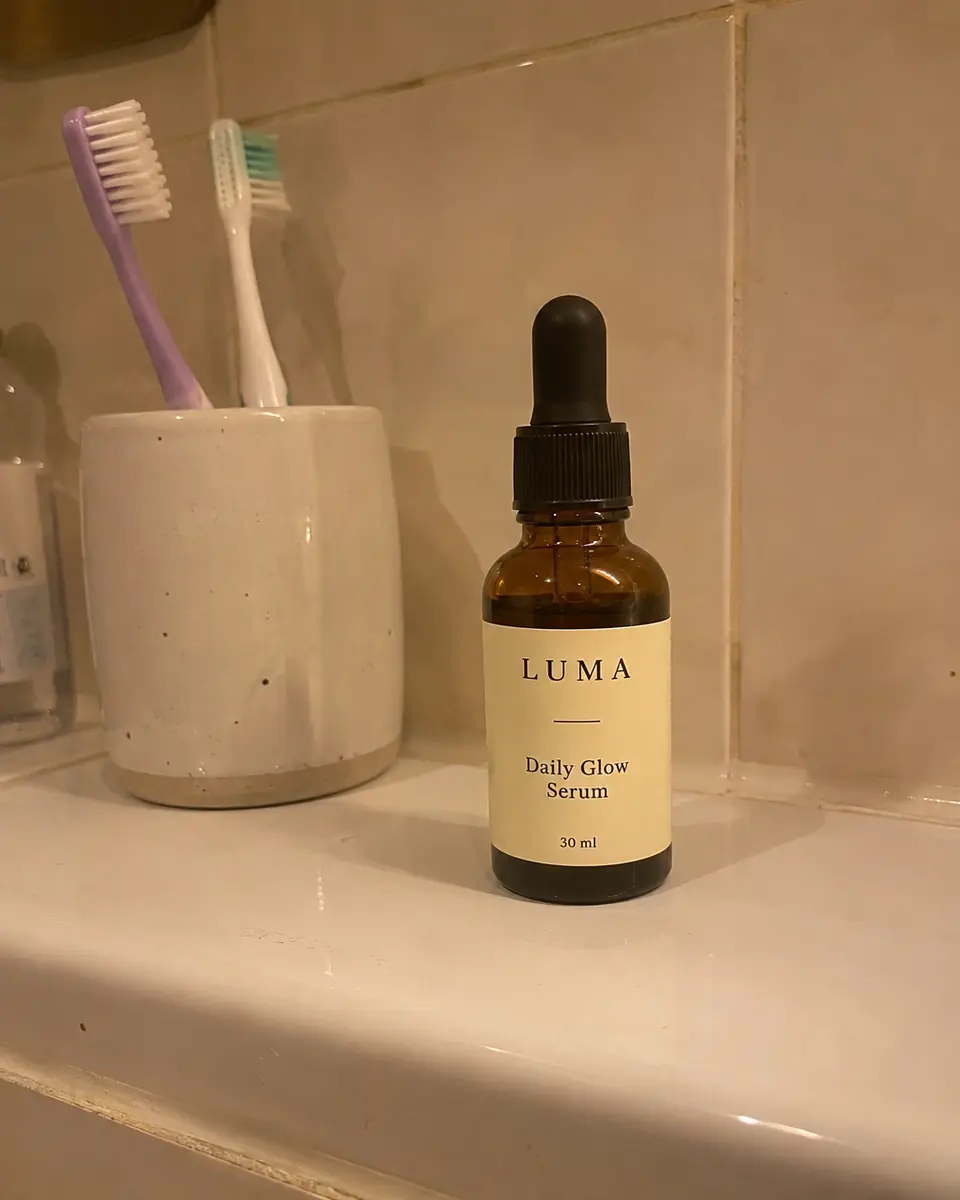
Put the product on any table, near a window if you can, and take one clear photo with your phone. The whole product in frame, in focus. JPG, PNG or WebP up to 10 MB.
- 2
Pick a style, or leave it on Auto
Auto gives a balanced set of ten scenes. Studio leans towards clean catalogue shots, Lifestyle towards real settings, Luxury towards dark, premium campaign looks. Choose square 1:1 for marketplaces or portrait 4:5 for social feeds.
- 3
Prodscene builds each scene around your product
Each shot is made to keep your product exactly as it is: colours, logo, label, shape and materials. Only the background, light, shadows and composition change. Shots appear one by one as they finish.
- 4
Keep the shots you like
Start with free watermarked proofs. Keep a shot for 1 credit and it arrives in full quality without the watermark. Download one by one or the whole set as a ZIP.
A real example: face serum.
The phone photo on the left went in. Everything else came out of one batch, unedited.
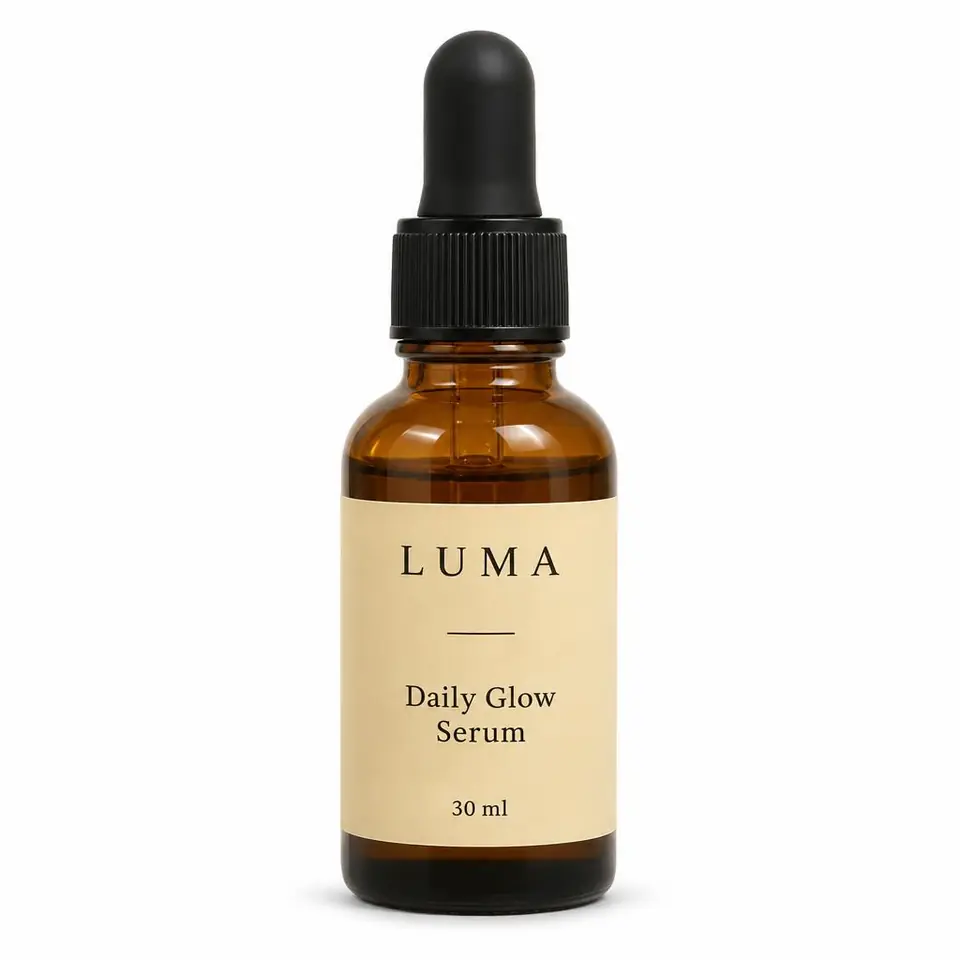
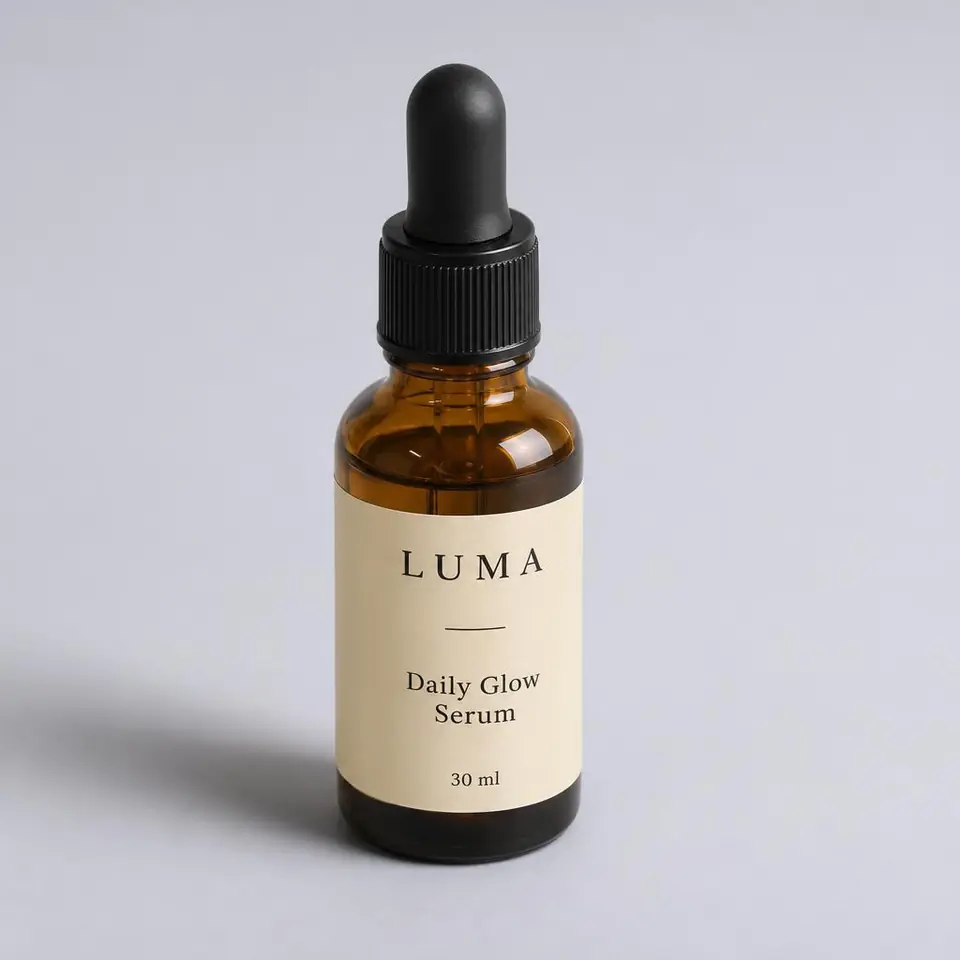
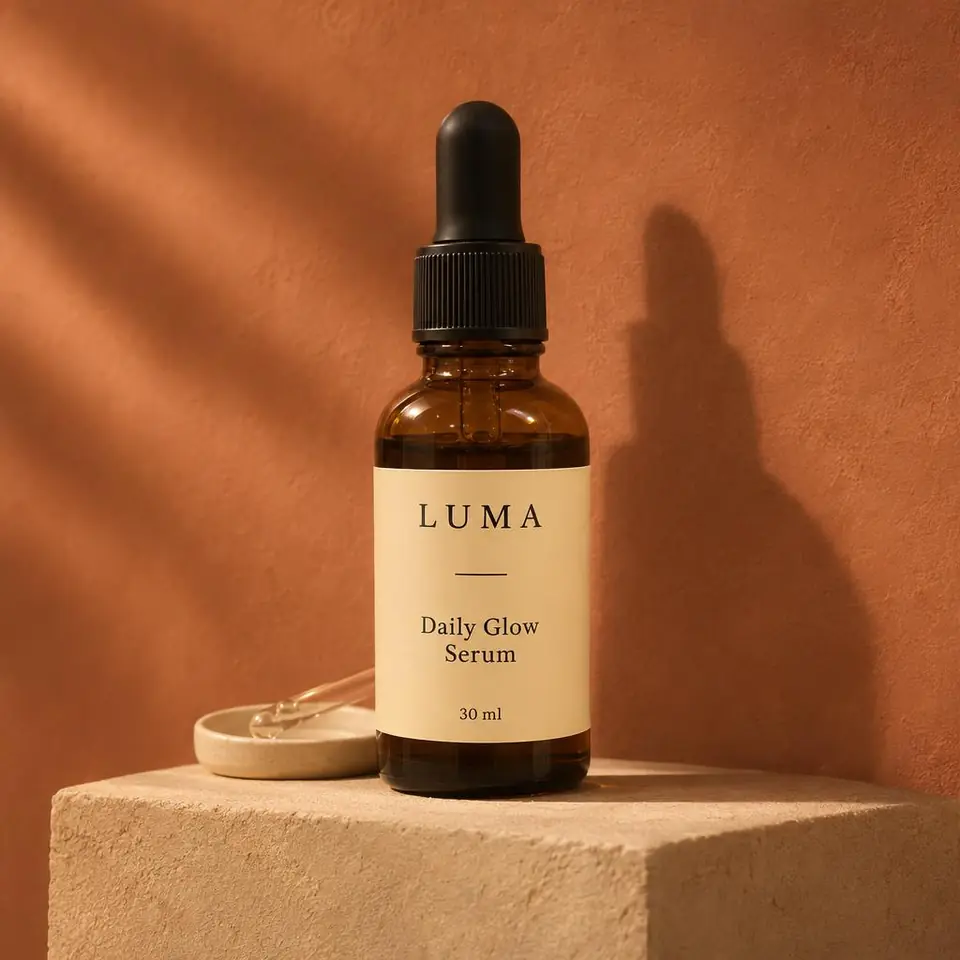
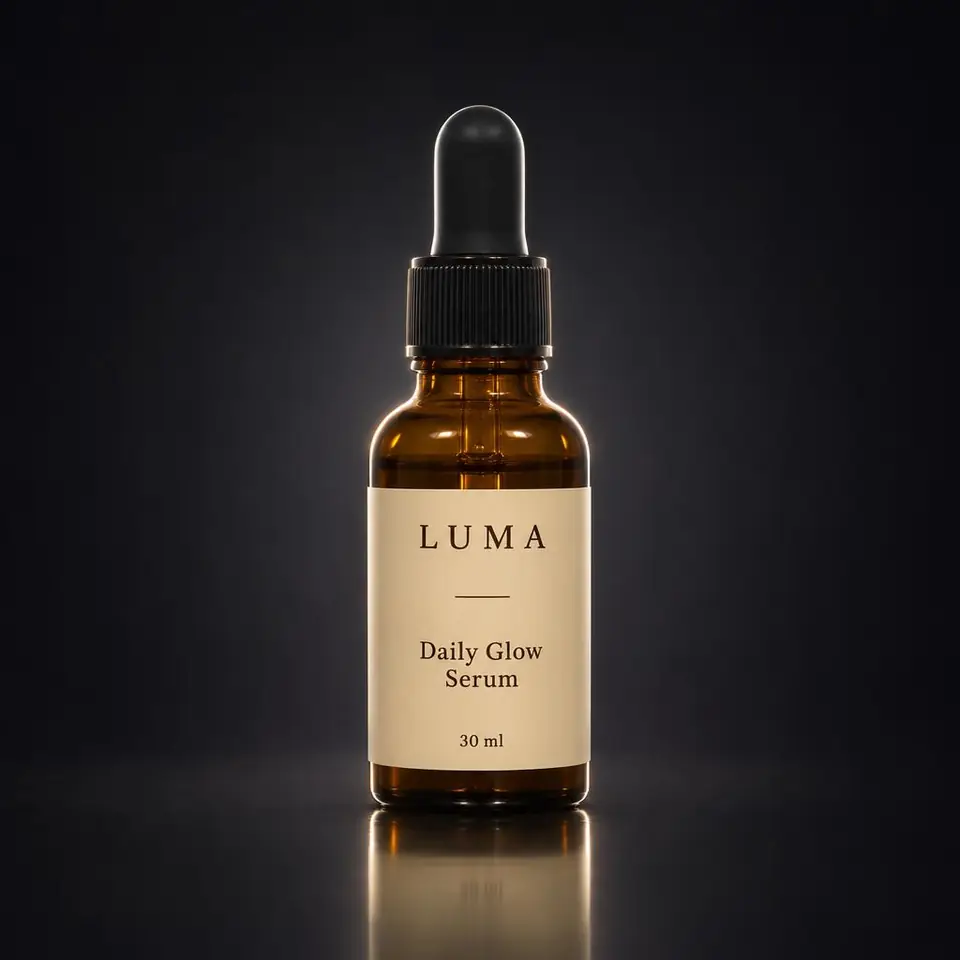
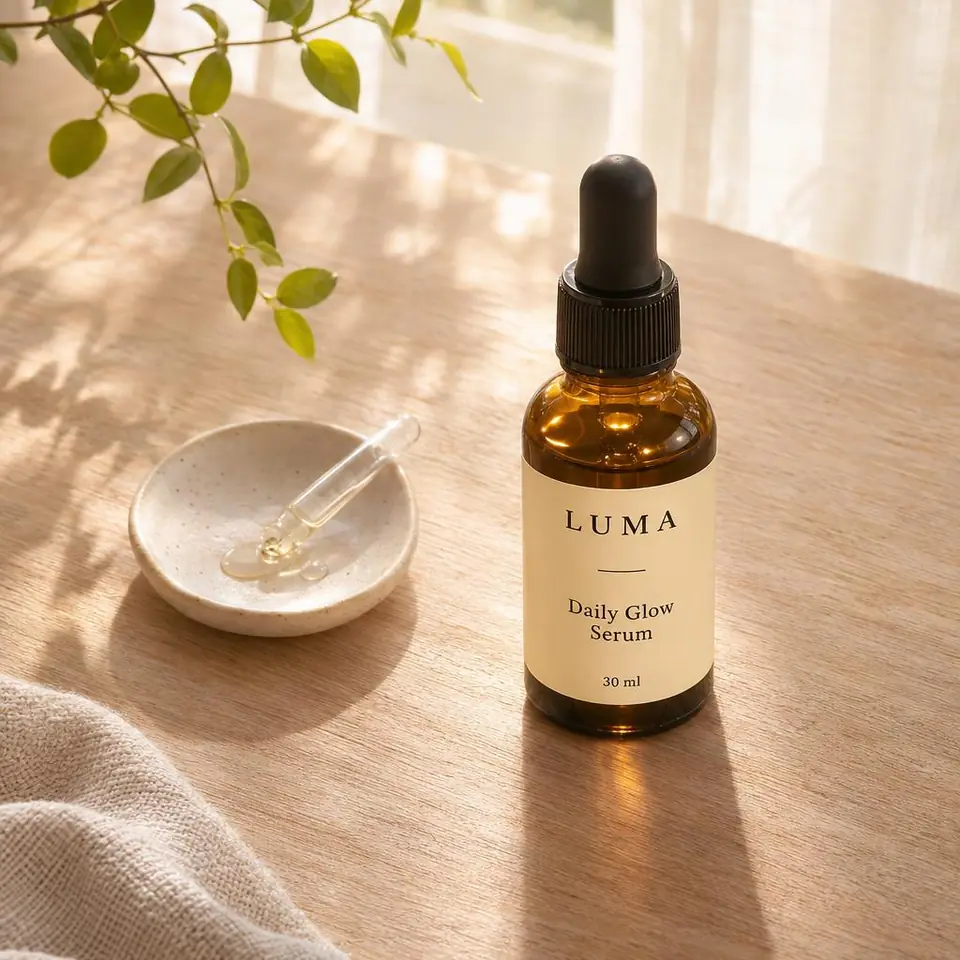
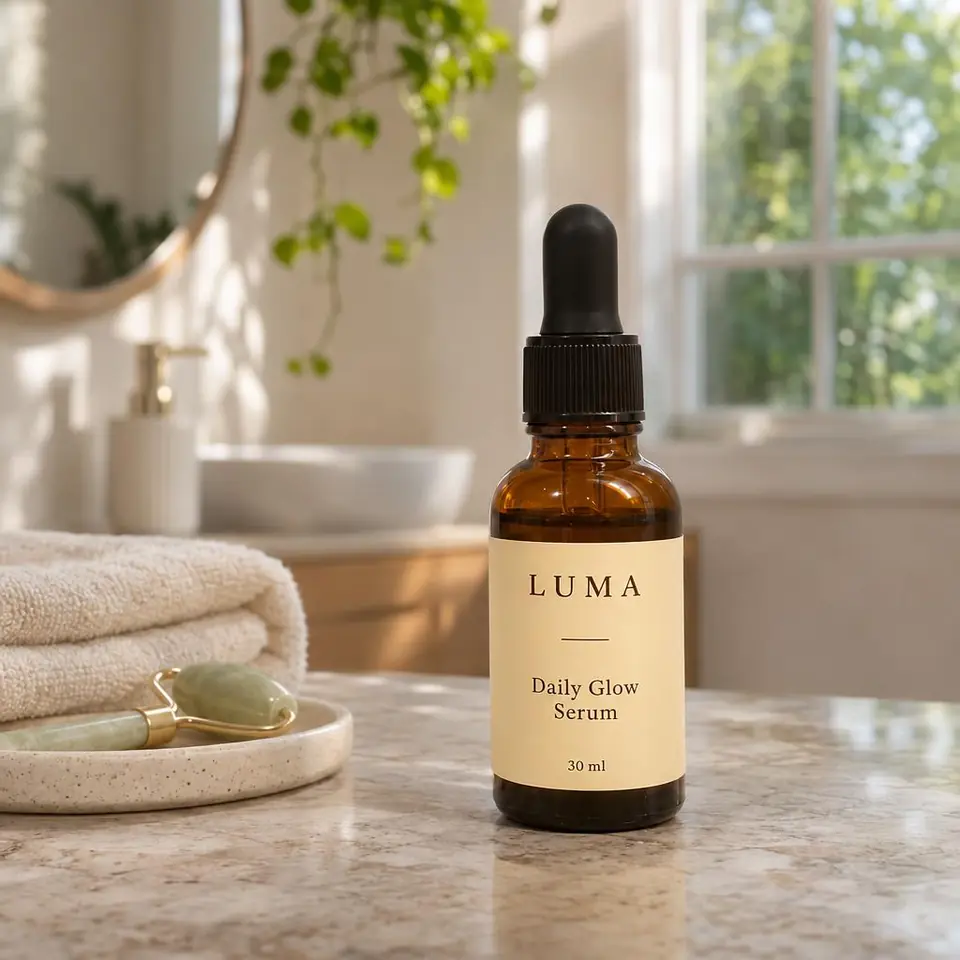
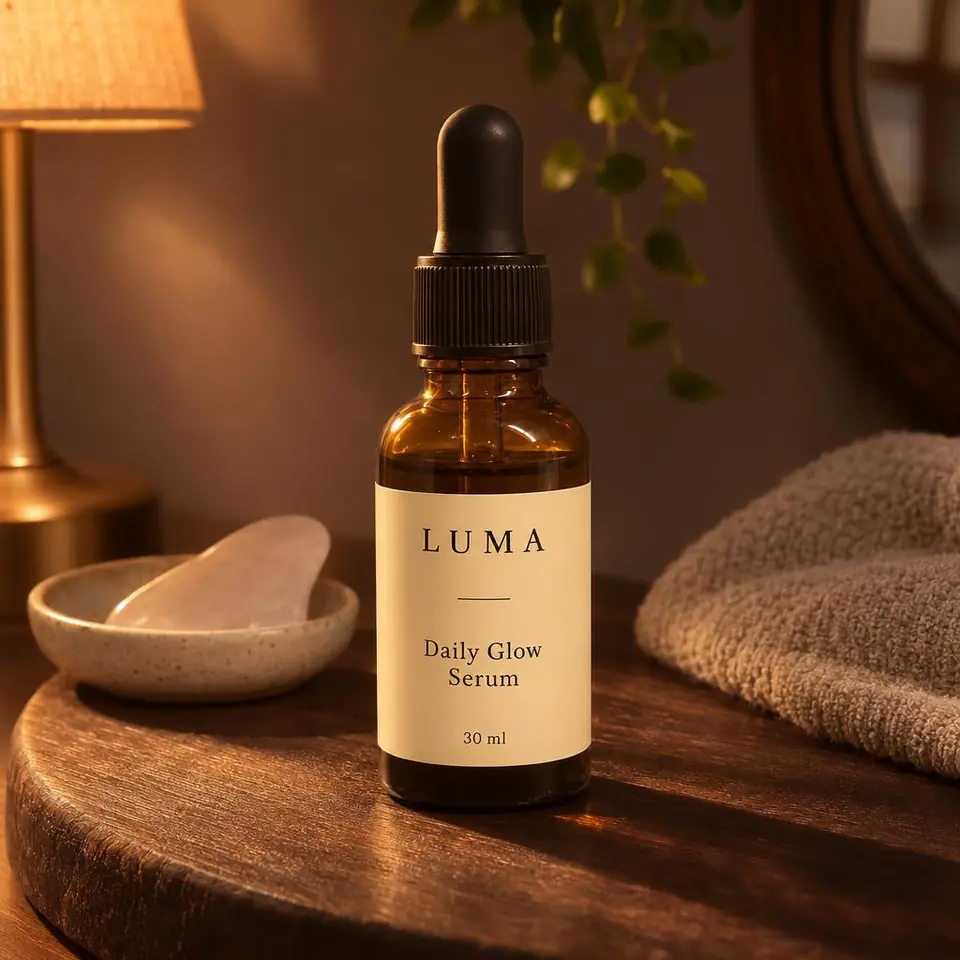
The ten scenes in every batch.
- Clean White
- Pure white background, catalogue-ready.
- Soft Studio
- Bright studio, gentle natural shadows.
- Warm Minimal
- Beige backdrop, warm light.
- Premium Dark
- Dark, elegant studio.
- Natural Surface
- On a good-looking real surface.
- Lifestyle Scene
- In a setting that fits its use.
- Lifestyle Alternate
- A second natural arrangement.
- Editorial
- Magazine-style composition.
- Detail Composition
- Close-up on details you can actually see.
- Social Ad
- Ad layout with room for your text.
Tips for the best results
- Daylight beats a flash. Shoot near a window.
- Fill the frame with the product, but don't crop any of it off.
- Turn labels and logos to face the camera.
- Wipe fingerprints and dust off glossy and glass packaging.
- Plain backgrounds help: a desk, a table, a sheet of paper.
- iPhone HEIC photos aren't supported yet; set the camera to Most Compatible or share as JPG.
Selling somewhere specific? See guides for Amazon, Etsy, Shopify and more.
Try it on your own product.
Two free proof sets of two shots each. No card needed.